HEY TUI (text-based user interface)
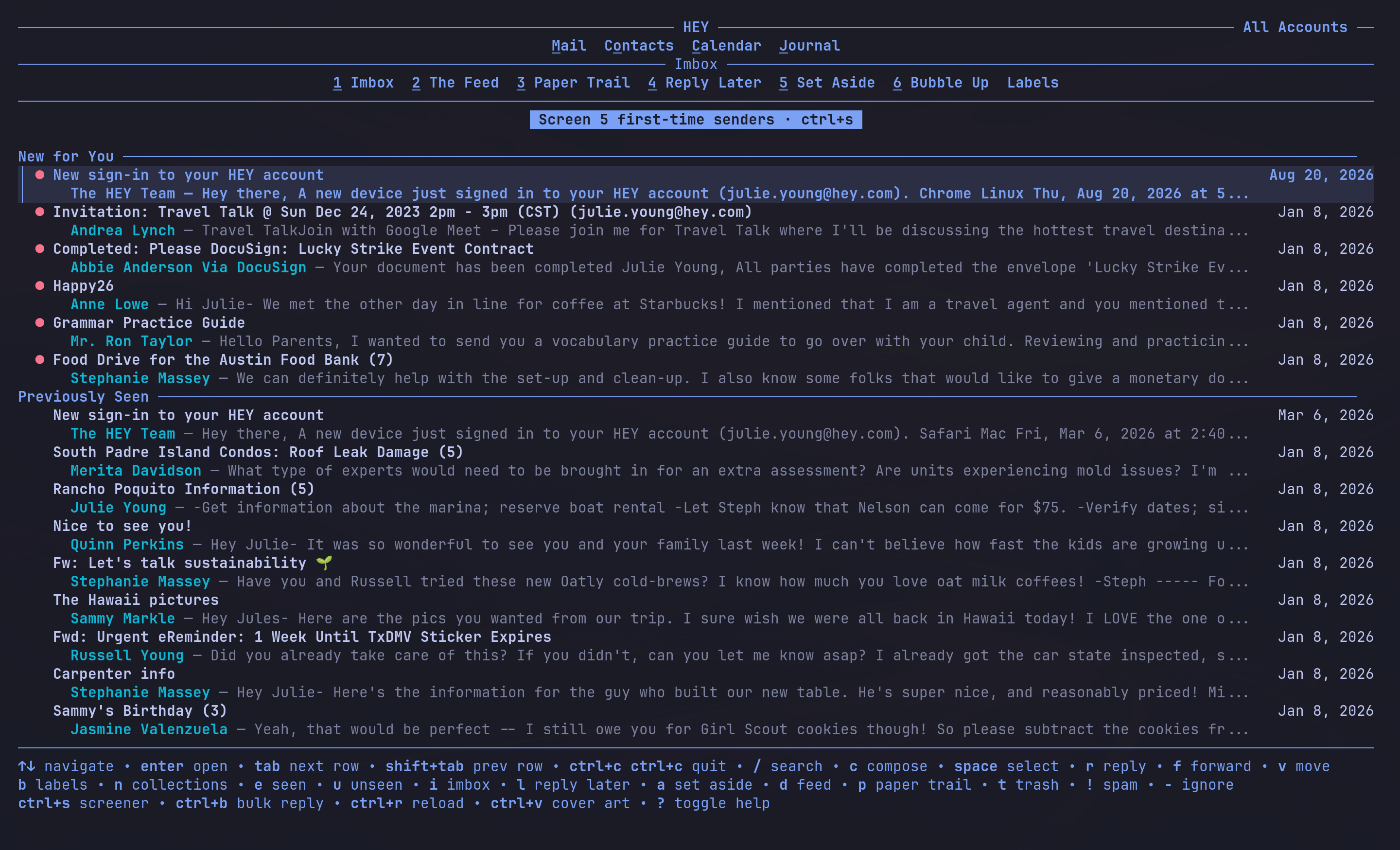
Now you can access your HEY emails and calendar right from your terminal with the HEY TUI.
Same Imbox, same Screener, same Calendar, accessible via keyboard instead of a mouse, right from your terminal:
Quick start
To get started, just install the HEY CLI (command line interface), then open the TUI. Running the install for the first time walks you through signing in. It opens your browser once, then everything after that happens in the terminal.
To install the CLI, enter this in the terminal:
curl -fsSL https://hey.com/install-cli | bash
hey tui
Need more help? Entering hey will show you all the available commands, and hey setup reruns the sign-in wizard any time you need it.
If the TUI won't open or mail stops updating, run hey doctor — it checks whether you're still signed in, whether your login is stored securely, and whether you're on the latest version, with a fix alongside anything that's wrong.
Here's a customer-written guide to the CLI.