Note to Self
A conversation doesn't always stay in your Imbox. It continues over a call, at lunch, or in a meeting. Add a private note to any thread to keep that context together with the email itself. Only you can see it.
On this page
Adding a note
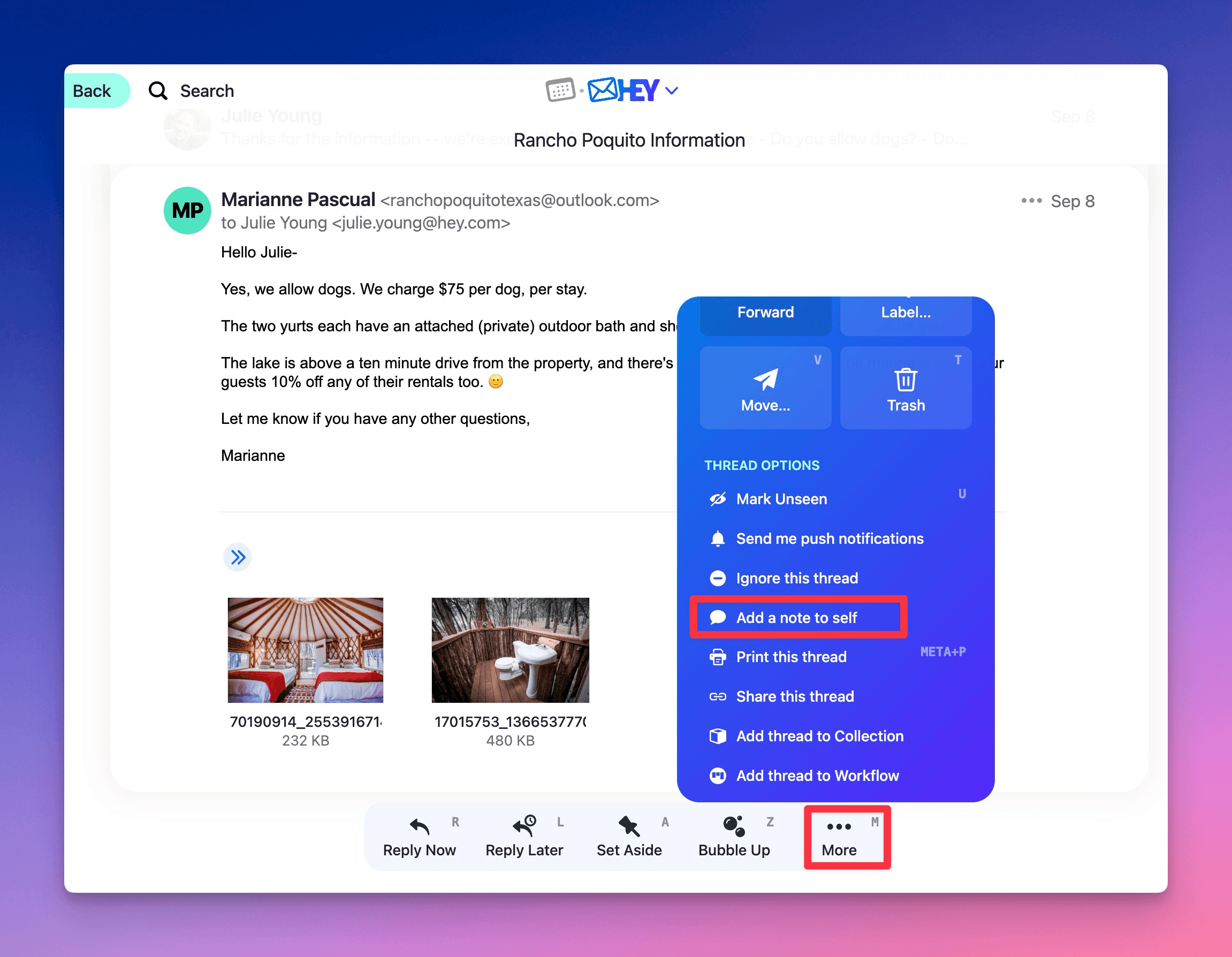
Open the thread. Click ••• More (or press M), then select Add a note to self.
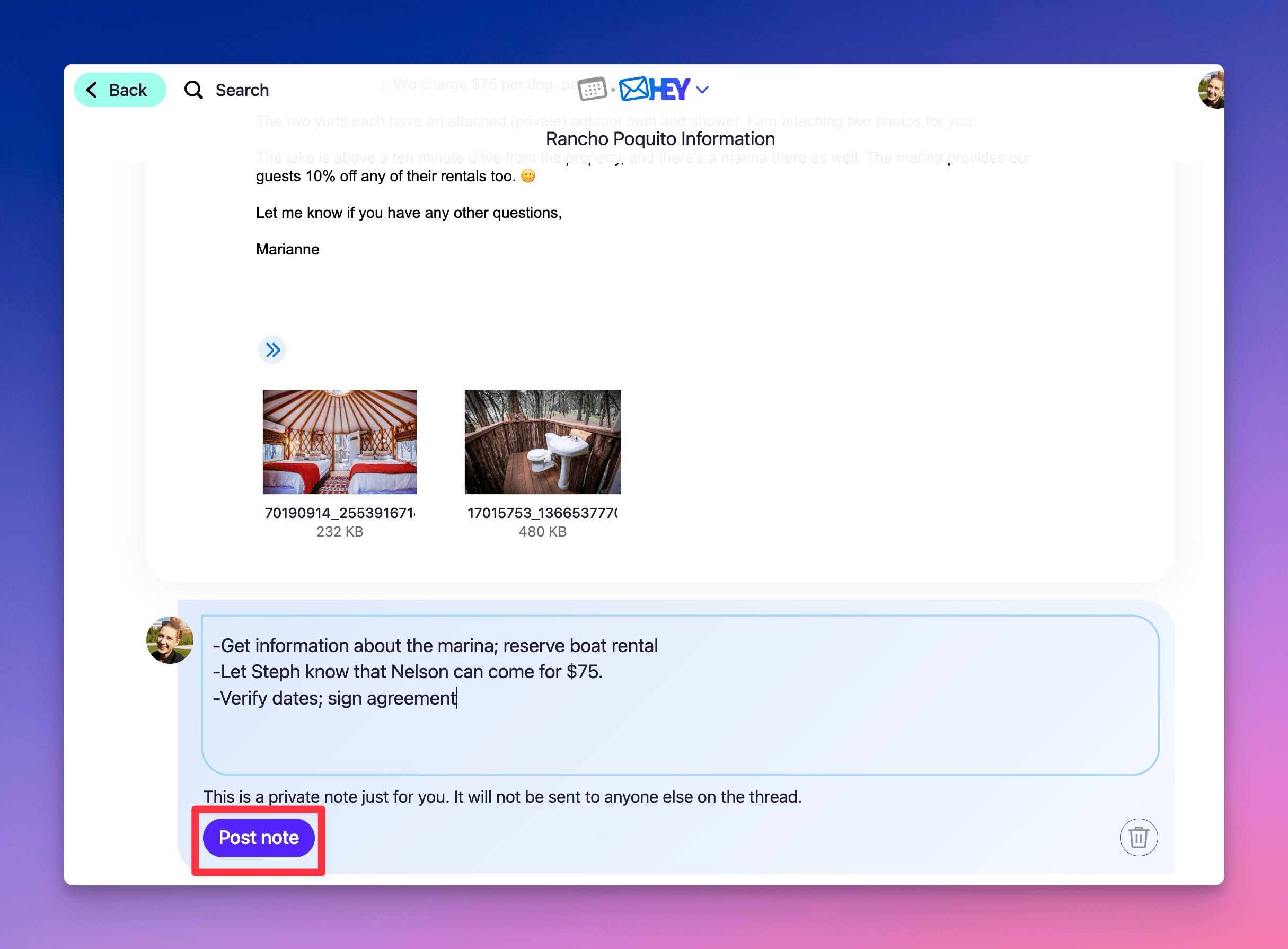
Write your note and click Post note.
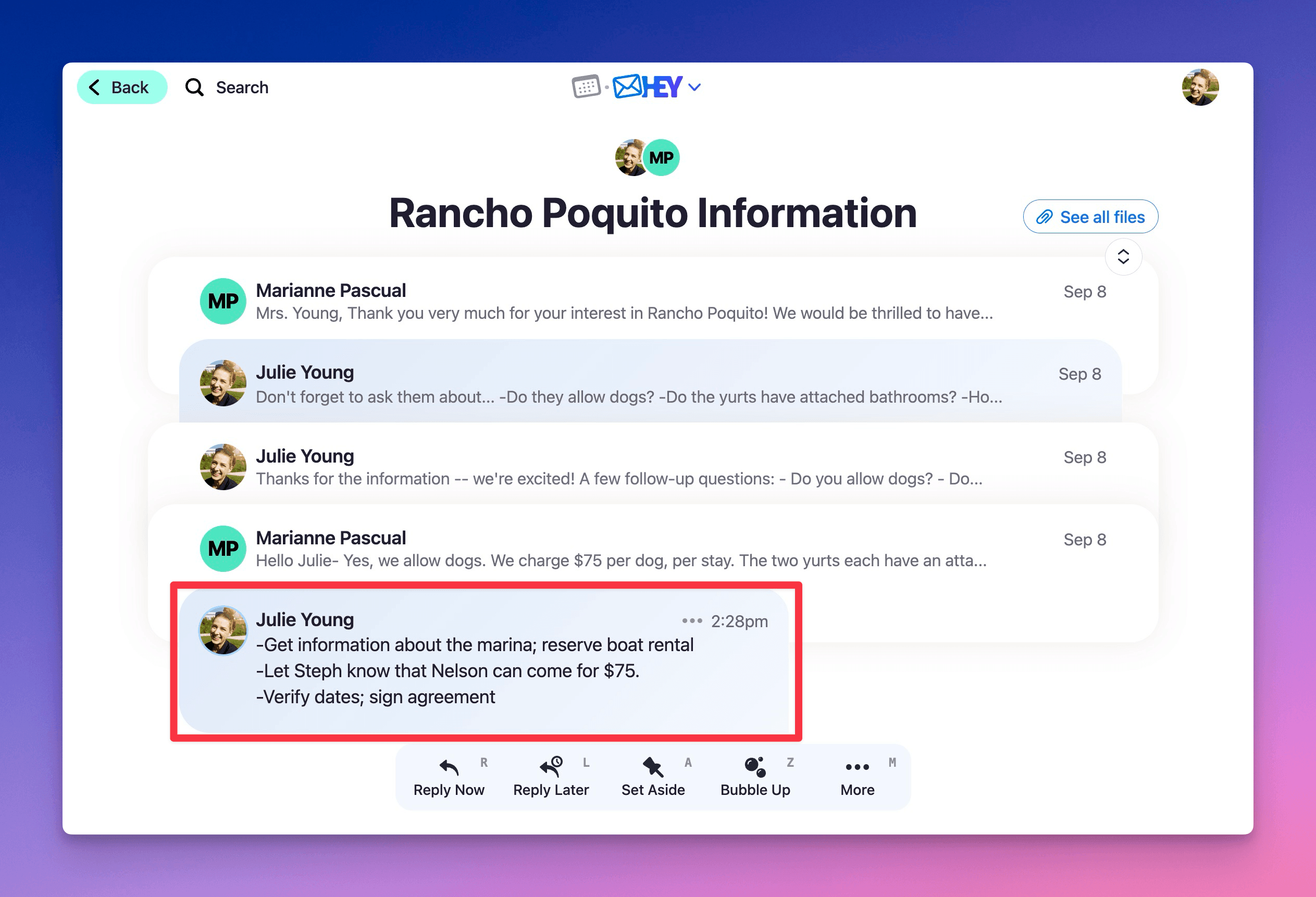
Your note appears inline in the thread. Nobody else on the thread can see it.
Adding a file to a note
Drag a file into the note, or paste an image straight from your clipboard.
Adding more than one note
Add as many notes as you need to a single thread. Place them between emails, or one after another.